
AI-First iOS App Development: Building Intelligent Apps with SwiftUI and Foundation Models
A practical engineering guide to on-device AI, App Intents, hybrid AI architecture, secure integrations, and scalable native iOS applications.
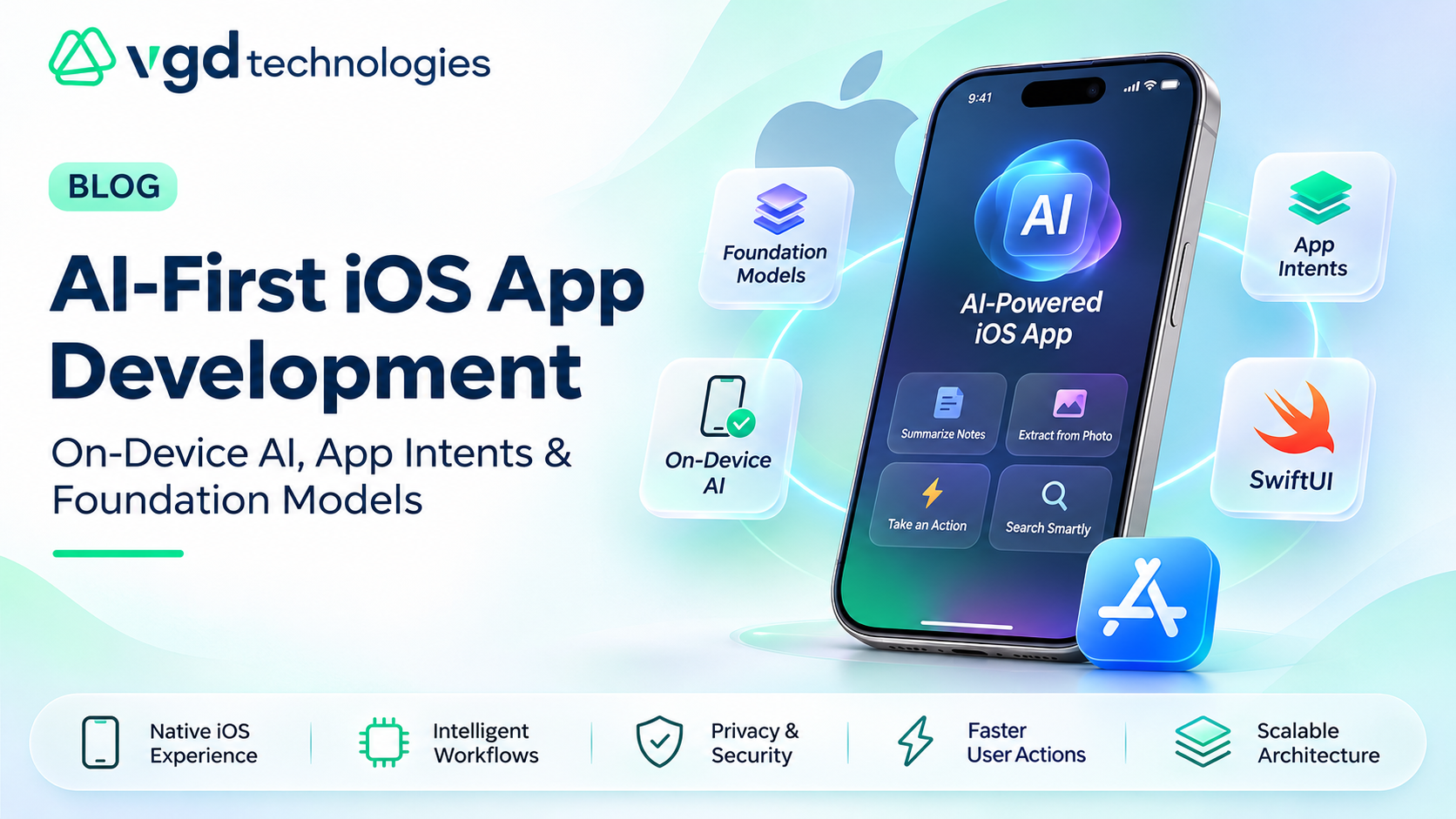
Artificial intelligence is transforming the way developers approach native iOS app development. Instead of treating AI as a separate chatbot or standalone feature, modern applications can integrate intelligence directly into everyday user workflows.
Apple Foundation Models, App Intents, SwiftUI, and on-device machine learning give development teams new opportunities to build intelligent, responsive, and privacy-conscious mobile applications.
At VGD Technologies, we published a comprehensive technical guide on AI-First iOS App Development: On-Device AI, App Intents & Foundation Models, exploring how businesses and developers can incorporate artificial intelligence into production-ready iOS products.
This article examines the architectural decisions, engineering practices, and development tools behind intelligent native iOS applications.
What Is AI-First iOS App Development?
AI-first iOS app development is an engineering approach that considers artificial intelligence during product discovery, architecture planning, and user experience design.
Rather than integrating AI into every screen, developers identify specific workflows where intelligence can reduce manual effort and improve task completion.
Practical examples include:
- Summarizing inspection reports and local notes.
- Extracting information from documents and images.
- Generating structured task lists.
- Retrieving authorized enterprise information.
- Providing context-aware recommendations.
- Automating repetitive application workflows.
The goal is to build applications that help users accomplish meaningful tasks more efficiently.
How Should Developers Design a Hybrid AI Architecture?
A production-ready AI-powered iOS application should not rely on a single execution environment for every intelligent feature.
Some tasks can run directly on supported Apple devices, while others require cloud-based models or secure access to enterprise systems.
An illustrative hybrid architecture includes:
- SwiftUI presentation layer.
- Application and business logic layer.
- AI task routing service.
- On-device Foundation Models integration.
- Cloud AI processing service.
- Authenticated enterprise APIs.
- Secure data management layer.
The AI task router determines which execution environment is appropriate based on task complexity, device compatibility, privacy requirements, network connectivity, and model availability.
| User Task | Recommended Architecture |
|---|---|
| Local note summarization | On-device AI |
| Text classification | On-device model |
| Image information extraction | Supported native vision tools |
| Enterprise knowledge retrieval | Secure RAG architecture |
| Complex reasoning | Controlled cloud AI |
| Business record updates | Validated backend APIs |
| Sensitive transactions | Explicit user approval |
A hybrid AI architecture can help balance performance, privacy, scalability, and operational costs.
How Can Apple Foundation Models Improve iOS Applications?
Apple's Foundation Models framework provides native Swift APIs for integrating supported language-model capabilities into iOS applications.
Developers can use these capabilities for tasks such as text generation, summarization, structured output, and intelligent tool-assisted workflows.
Before implementing an on-device AI feature, developers should check model availability.
An illustrative Swift example:
import FoundationModels

@available(iOS 26.0, *)
func isLocalAIAvailable() -> Bool {
    switch SystemLanguageModel.default.availability {
    case .available:
        return true
    default:
        return false
    }
}
This availability check helps applications determine whether a supported local model can be used.
Applications must also provide appropriate fallback experiences when Apple Intelligence is unavailable, disabled, or unsupported on a particular device.
The official Apple Foundation Models documentation provides additional implementation guidance.
How Do App Intents Improve Intelligent Mobile Workflows?
App Intents enable developers to expose structured application actions and entities to supported Apple system experiences, including Siri, Spotlight, and Shortcuts.
For example, an enterprise field service application could expose actions such as:
- Opening an assigned inspection.
- Finding an equipment record.
- Creating a report draft.
- Retrieving an outstanding maintenance task.
- Accessing a recently completed report.
A simplified App Intent declaration might look like this:
import AppIntents

struct OpenInspectionIntent: AppIntent {
    static var title: LocalizedStringResource =
        "Open Inspection"

    static var openAppWhenRun: Bool = true

    func perform() async throws -> some IntentResult {
        return .result()
    }
}
A complete implementation would also require navigation handling, entity resolution, authorization, and error management. The example demonstrates the basic declaration only.
Developers should prioritize frequently used actions that have clearly defined inputs and predictable outcomes.
Refer to the official Apple App Intents documentation for supported capabilities and implementation requirements.
Why Is SwiftUI Important for Custom iOS App Development?
Artificial intelligence cannot compensate for poor mobile application architecture or an unintuitive user experience.
Native iOS applications still require responsive interfaces, efficient memory management, accessible navigation, secure integrations, and maintainable business logic.
SwiftUI provides a declarative approach to building native application interfaces, while Swift supports application logic and integration with Apple frameworks.
A modular project structure could include:
App/
├── Presentation/
│   ├── Views/
│   └── ViewModels/
├── Domain/
│   ├── Entities/
│   └── UseCases/
├── Data/
│   ├── Repositories/
│   └── APIClients/
├── Intelligence/
│   ├── LocalModelService/
│   ├── CloudModelService/
│   └── TaskRouter/
├── Intents/
└── Tests/
Separating presentation, business logic, data access, and AI services makes applications easier to maintain and test.
At VGD Technologies, our custom iOS app development services focus on native Swift and SwiftUI development, secure mobile architecture, scalable integrations, and digital product engineering.
How Can Developers Build Secure Agentic AI Features?
Agentic AI allows applications to interpret user requests, retrieve information, select approved tools, and assist with multi-step workflows.
However, autonomous capabilities require clearly defined security boundaries.
Developers should classify AI-enabled operations into three categories.
Read-Only Assistance
Searching, summarizing, classifying, and retrieving authorized information.
Reviewable Actions
Preparing drafts, suggesting changes, generating structured forms, and organizing information for user approval.
Consequential Actions
Updating business records, changing permissions, deleting data, or initiating financial transactions.
Consequential actions require appropriate authentication, authorization, explicit confirmation, server-side validation, and audit logging.
An AI model should never replace the application's underlying access control mechanisms.
How Should AI-Powered iOS Applications Be Tested?
Traditional mobile application testing focuses on predictable user interactions and business logic.
AI-enabled applications require additional evaluation because generated outputs can vary depending on inputs, context, and model behavior.
Development teams should test:
- Unsupported devices and unavailable models.
- Ambiguous or incomplete user requests.
- Incorrect AI-generated responses.
- Network connectivity failures.
- Unauthorized information requests.
- Failed or duplicate tool calls.
- User cancellation and correction workflows.
- Application memory and battery consumption.
- Response latency and inference costs.
Important performance indicators include task completion rate, response latency, fallback frequency, user correction rate, and cost per completed task.
These measurements help teams understand whether artificial intelligence delivers genuine product value.
What Are the Best Tools for AI-First iOS App Development?
A professional native iOS development workflow may include:
| Technology | Purpose |
|---|---|
| Xcode | Development, debugging, and distribution |
| Swift | Native application programming |
| SwiftUI | Declarative user interface development |
| UIKit | Existing applications and specialized interfaces |
| Foundation Models | Supported language-model integration |
| Core ML | On-device machine learning |
| App Intents | Structured application actions |
| Instruments | Performance and resource profiling |
| XCTest | Automated application testing |
| Swift Testing | Modern Swift testing |
| TestFlight | Beta application distribution |
Apple's Human Interface Guidelines provide important guidance for creating accessible and intuitive native mobile experiences.
How Much Does AI-First iOS App Development Cost?
The cost of developing an AI-powered iOS application depends on product complexity, architecture, AI capabilities, backend integrations, security requirements, and the required level of testing.
Key cost considerations include:
- Product discovery and UI/UX design.
- Native iOS application development.
- Backend and database engineering.
- AI model integration and evaluation.
- Enterprise API integrations.
- Cloud infrastructure and inference costs.
- Security and privacy controls.
- App Store deployment.
- Post-launch maintenance.
Businesses should evaluate the complete product lifecycle rather than focusing exclusively on initial development costs.
Organizations planning to expand their engineering capabilities can hire dedicated iOS and mobile app developers through VGD Technologies.
Frequently Asked Questions
What is AI-first iOS app development?
AI-first iOS app development integrates artificial intelligence into application architecture and user workflows to improve functionality, reduce repetitive work, and deliver intelligent mobile experiences.
Can iOS applications run AI without an internet connection?
Yes. Supported on-device AI models can perform certain tasks without internet connectivity. Features requiring live business information or complex cloud reasoning may still need network access.
What is the Foundation Models framework?
Foundation Models is an Apple framework that provides native Swift APIs for integrating supported language-model capabilities into applications, including text generation, summarization, structured output, and tool use.
What are App Intents in iOS development?
App Intents allow developers to expose structured application actions and entities to supported Apple system experiences such as Siri, Spotlight, and Shortcuts.
Is SwiftUI suitable for AI-powered iOS applications?
Yes. SwiftUI provides a modern foundation for native iOS interfaces and can be combined with supported AI frameworks, secure backend services, and modular software architecture.
Can existing iOS applications integrate artificial intelligence?
Yes. Existing applications can often introduce AI capabilities incrementally, depending on their architecture, supported devices, code quality, data requirements, and integration complexity.
How do I choose an AI-powered iOS app development company?
Evaluate the company's experience in native Swift and SwiftUI development, AI architecture, on-device intelligence, API integrations, security, application testing, and long-term maintenance.
Final Thoughts
AI-first iOS app development represents an opportunity to create more intelligent, useful, and adaptable mobile products.
The most effective applications combine native engineering, on-device intelligence, secure cloud processing, structured App Intents, and thoughtful user experience design.
Start with a meaningful user problem, select an appropriate architecture, establish clear security boundaries, and evaluate intelligent functionality against measurable user outcomes.
For a comprehensive discussion of AI-first iOS architecture, development tools, and implementation considerations, explore the original VGD Technologies guide linked in the introduction.
About VGD Technologies
VGD Technologies is an AI-first technology company specializing in custom software development, native iOS app development, SwiftUI development, generative AI, agentic AI solutions, enterprise software development, and digital product engineering.
Editorial disclosure: This article was prepared with AI writing assistance. The architecture and Swift examples are illustrative and should be validated against the applicable SDK before production use.
About the author
- VGD Technologies is a software development and AI solutions company delivering custom software, mobile apps, SaaS platforms, web development, AI/LLM, machine learning, automation, and API integration solutions.
Comments
Join the discussionNo comments yet. Be the first to comment.